Reference

w92 App for Android and iOS in India

The w92 app puts live tables, slots and the sportsbook on your phone — one tap to the lobby, available where local law permits.

AndroidiOSAPK 30MBPush alertsFingerprint login
w92 w92 App for Android and iOS in India
w92 What the w92 App Does on Your Phone

What the w92 App Does on Your Phone

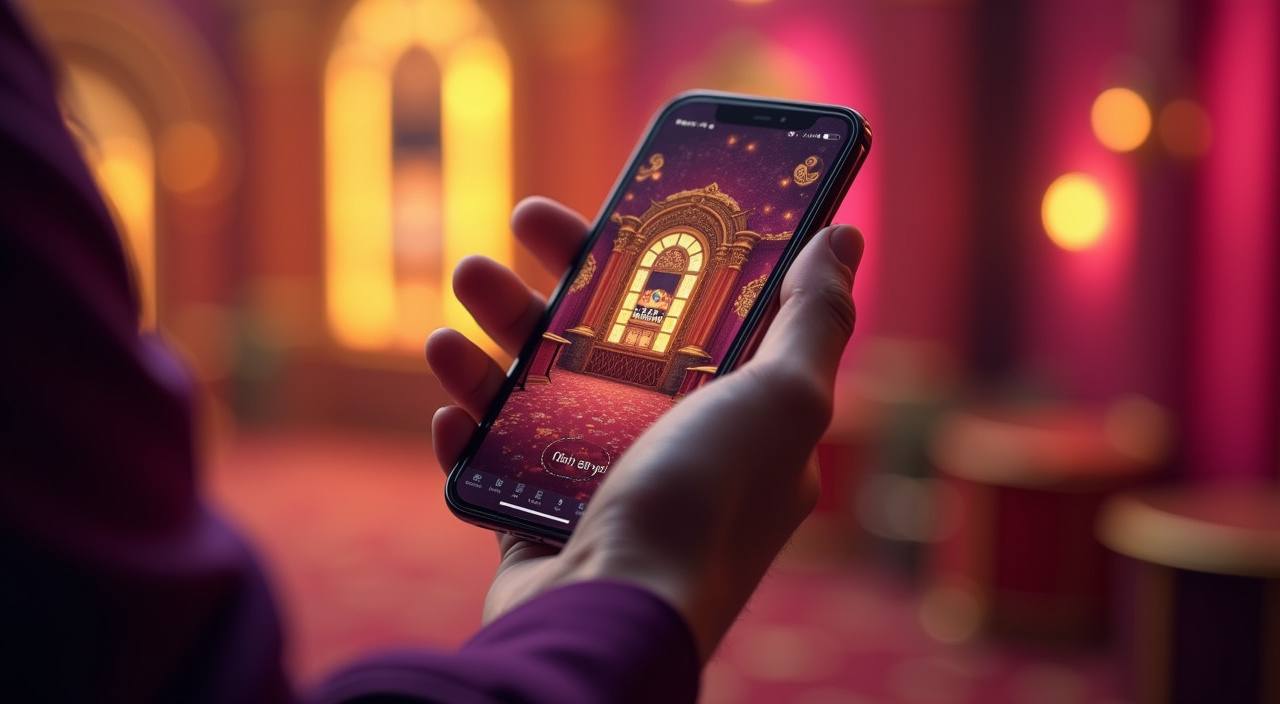
Open the app and your Live Baccarat table, Crash X room and Football Strike betslip are one tap away. Push notifications fire the moment a match goes live or a slot feature round triggers, so you never miss the moment you were waiting for. Quick deposit via UPI or PhonePe takes seconds — no browser, no redirect. Fingerprint login means no typing

your password on a crowded bus. We built the app around the sessions India users actually have: short, sharp, and always on mobile.

BUILT-IN APP TOOLS

Six Things the App Does Better Than a Browser

From biometric entry to an offline lobby preview, the app adds a layer of speed and convenience that the mobile browser cannot match.

Biometric Login Touch ID and Face ID unlock your account in under…
Push Notifications Get an alert when your favourite table opens, when a…
Dark Mode The app ships with a full dark-mode skin that reduces…
Offline Lobby Preview Browse game tiles, read paytables and build your betslip even…
Quick Deposit Shortcut A single shortcut in the app footer opens UPI, Paytm…
Native Speed The app renders game lobbies and live streams noticeably faster…
w92 Install the w92 App in 3 Steps

Install the w92 App in 3 Steps

Android setup takes about two minutes. iOS users can install directly from the link on this page — no side-loading needed. Once the app is open and you have signed in, your existing account balance, bet history and saved payment methods are all right there waiting.

  • Download the APK — Tap the Android download button on this page. The APK file (approx. 30MB) will land in your Downloads folder.
  • Allow Install from Unknown Sources — Go to Settings › Apps › Special app access › Install unknown apps, then allow your browser or file manager to install the APK.
  • Open and Sign In — Launch the w92 app, enter your account credentials or use biometric login if you have already set it up on a previous session.
  • Turn on Push Alerts — A prompt appears on first launch asking for notification permission. Approve it to receive live-match and lobby alerts going forward.
DEVICE REQUIREMENTS

Android, iOS and RAM — What You Need

The app runs on the hardware most India users already carry. If your phone is under four years old, you almost certainly meet every requirement below.

Auto-refresh hourly
w92 Android Version

Android Version

92%

Android 8.0 (Oreo) or higher required. Android 12 and 13 are fully supported with adaptive icons…

w92 iOS Version

iOS Version

97%

iOS 13 or higher. Optimised for iPhone 11 and later; iPad support included from iPadOS 14.

w92 RAM

RAM

96%

Minimum 2GB RAM for standard lobby use; 3GB or more recommended for uninterrupted live-table streaming.

w92 Storage

Storage

95%

Approximately 30MB for the initial install.

w92 Supported Regions

Supported Regions

94%

Available in India where local law permits. Access depends on local regulation; check your state-level rules…

RTP percentages are informational reference values from provider documentation. Actual session outcomes vary.

INSIDE THE SCREENS

A Tour of What You See in the App

Every screen in the w92 app is designed around one-handed use. The bottom nav puts the lobby, betslip, wallet and account a thumb-reach away.

Live lobby preview
Quick bet shortcut
Account access
Slot favourites shelf
Sportsbook betslip
Wallet summary
w92 mobile gaming
Google Play App Store
APP HELP CHANNELS

Where to Get Help with the App

If the APK will not install, the app crashes on launch, or your biometric login stops working after a phone update, our support team handles app-specific issues separately from general account questions.

In-App Support Chat Tap the chat icon inside the app to reach a support agent. The chat thread saves your install logs automatically so the agent can diagnose your device issue without you describing it twice.
Email Support Send a message to our support address with your device model and Android or iOS version. App-related tickets are handled by a dedicated mobile team and responses come within a few hours.
In-App Install Help The app includes a built-in install troubleshooter under Settings › Help. It runs a quick check on permissions, storage and OS version and tells you exactly which setting to change.
APP SECURITY SIGNALS

How We Keep the App and Your Account Safe

Security in the app is not an afterthought — it is built into the signing, distribution and login layers.

Code Signing

Every Android APK is signed with w92 certificate keys before release. Your device checks this signature on install and will block the app if the file has been tampered with after we published it.

Direct Download Only

We distribute the APK from w92.club only. We do not list the app on third-party APK stores, so you are always getting the file directly from us without an unknown intermediary touching it.

Encrypted Sessions

All traffic between the app and our servers runs over TLS. Game results, account data and payment confirmations are transmitted in encrypted form — not readable in transit.

Biometric Verification

Fingerprint and Face ID login use your device's secure enclave — your biometric data never leaves your phone. We receive only a pass or fail signal from the hardware.

Account Recovery Flow

If you lose your phone, log in on any other device and immediately change your password. Active sessions on the old device are terminated within seconds of the password update.

Automatic Session Expiry

The app logs you out after a period of inactivity that you can set in account preferences. This protects your account if you leave your phone unattended.

App Experience Versus the Mobile Browser

Both the app and the mobile browser give you full access to the w92 lobby, but the gap in day-to-day usability is noticeable.

Login Speed
App: one-tap biometric entry, session stays warm in the background. Browser: full page reload and credential re-entry every time the tab is cleared from memory.
Push Notifications
App: native OS alerts for live matches, table openings and feature rounds. Browser: no background notifications; you have to check manually.
Offline Access
App: lobby preview and paytable browsing work without an active connection. Browser: a dropped connection means a blank page until data returns.
UPI Deposit Flow
App: a shortcut in the footer opens UPI, Paytm or PhonePe directly with the amount pre-filled. Browser: you navigate through the cashier menu each time.
Live Stream Quality
App: the native video layer adapts to your connection speed more smoothly, with fewer dropped frames on a 4G handoff. Browser: more susceptible to buffering during network changes.
Screen Use
App: full-screen landscape for live tables, no browser chrome eating into the view. Browser: address bar and tab strip reduce the usable area on smaller screens.

Frequently Asked Questions About the w92 App

Common questions from India users who are setting up or troubleshooting the w92 app. If your question is not here, reach us via in-app chat.

Download the APK directly from w92.club — look for the Android download button on this page. We do not distribute through third-party stores, so always come here to get the current, signed build.

Yes. The iOS version is available via a direct install link on w92.club. It requires iOS 13 or higher and works on iPhone and iPad where local law permits access.

Android blocks APK files that do not come from the Play Store by default. Go to Settings › Apps › Special app access and allow your browser or file manager to install APKs. It is a one-time permission per app.

After your first password login, go to Account › Security and turn on biometric login. The app will ask your device to register your fingerprint or Face ID — the credential stays on your phone hardware, not on our servers.

Yes. UPI, Paytm and PhonePe are all available in the in-app wallet. A shortcut in the footer opens the payment screen with your amount pre-filled, so deposits complete in a few taps.

Check that your Android version is 8.0 or higher and that you have at least 2GB of free RAM. If the crash persists, clear the app cache under Settings › Apps › w92, then contact in-app chat with your device model and OS version.

Log in on any other device using your email and password, then change your password immediately. All active sessions on the lost phone are terminated within seconds, so nobody else can access your account.